
Review
Research-ledBrother P-touch Cube Review: Labels That Can Survive the System
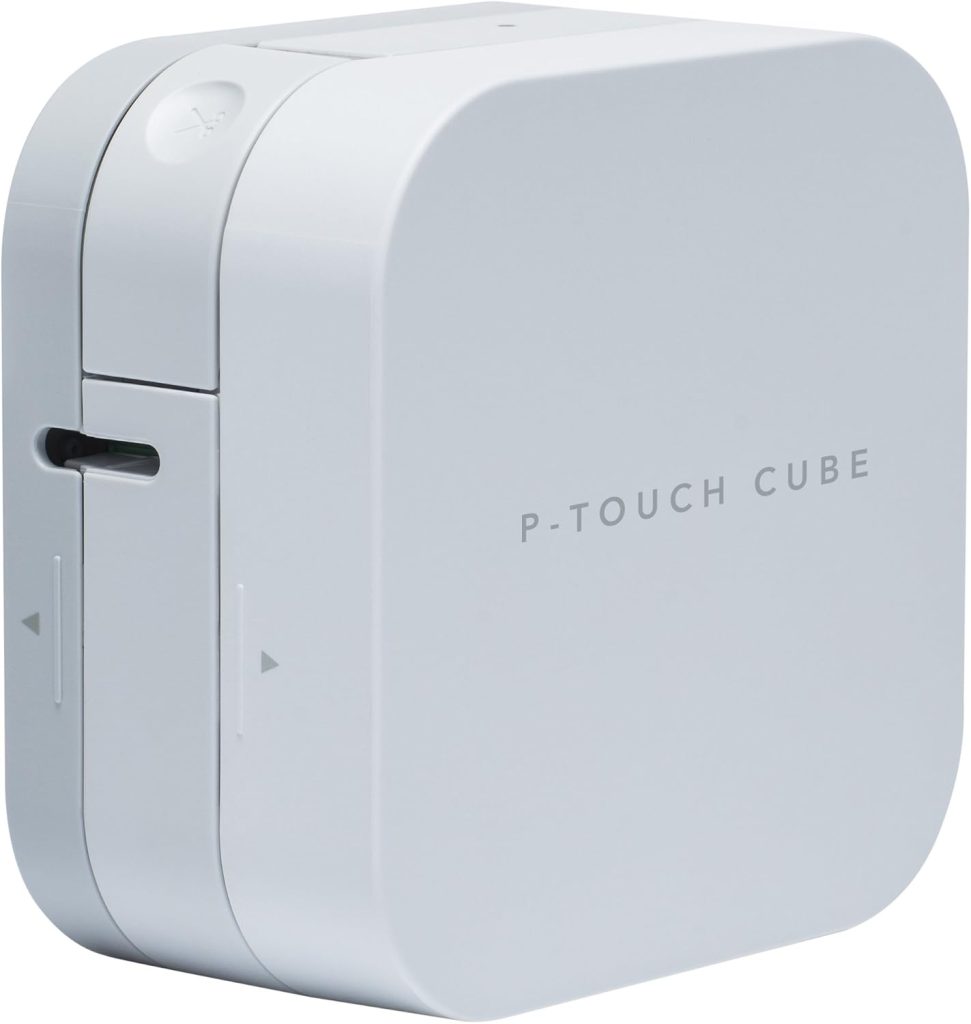
The Brother PT-P300BT makes durable, readable labels from a phone and can reduce searching in shared storage. It adds app setup, tape choices, batteries and manual cutting, so it works best as a finishing tool—not a reason to reorganise everything.
Worth it if
clear labels repeatedly save searching, other people share the storage and you can keep the printer and spare tape in one visible place
Watch out for
every label requires phone, app, Bluetooth, tape and manual cutting, while replacement TZe cassettes create an ongoing cost
Check the Brother P-touch Cube on Amazon
A label earns its place when it prevents the next search
The drawer contains batteries, string, receipts and three objects nobody can identify. A printed label helps when it gives the container one stable job that everyone can recognise. It does not help when labelling becomes a weekend redesign project that empties the whole room onto the floor.
The PT-P300BT connects to a phone by Bluetooth and prints Brother TZe labels up to 12 mm wide. The app supports text, symbols, frames and saved designs, which is useful for repeat labels but also creates more choices than typing one plain word.
The Cube is portable, but six AAA batteries are not invisible
Brother specifies a compact 115 mm cube weighing about 0.38 kg. It can run from six AAA batteries, or an optional mains adapter. Neither power route should be assumed from the headline alone, so check what the Amazon package actually includes before expecting an instant setup.
The included starter cassette is shorter than a normal replacement roll. Labels are manually cut, and the printer supports laminated, coloured, fabric and iron-on TZe options. For ordinary home organisation, one high-contrast tape is usually more useful than a drawer full of decorative possibilities.
Label the location before you label every object
The strongest use is shared retrieval: medicine kept safely in one agreed place, cables grouped by type, paperwork with a clear next action, or kitchen storage that another person can return correctly. Labels should use the words the household already says, not an elaborate category system only its creator understands.
Adhesion depends on surface and preparation. Clean, dry and test before printing a full set. Do not label over required electrical, safety or medication information, and do not treat a tidy label as proof that the contents are safe or current.
Buy the Cube after a small handwritten trial succeeds
Write temporary labels on tape or cards for one week. If they genuinely reduce searching and misfiling, the Brother makes those labels more durable and repeatable. That trial protects conversion intent from turning into aspirational organisation shopping.
Skip it if handwriting is already adequate, app steps routinely block simple jobs or consumable costs will breed resentment. Use the home and routine resources first when the deeper problem is deciding where things should live.