
Review
Research-ledTapo P110 Review: A Smart Plug for the “Did I Leave It On?” Loop
The UK Tapo P110 adds remote control, schedules, timers and energy monitoring to suitable indoor appliances. It can remove a repeated checking loop, but it must never be used to make an unsafe appliance safe or exceed its load limits.
Worth it if
one suitable indoor device repeatedly needs a schedule, energy check or remote off switch and a 2.4 GHz Wi-Fi/app setup is manageable
Watch out for
it adds an account, network dependency and electrical compatibility checks, and remote control can create false reassurance around appliances that require supervision
Remote off is useful only after the appliance passes the safety test
You are halfway down the road and the question arrives: is the lamp still on? A P110 can answer and act through the Tapo app when the connected device is suitable for smart switching. That can prevent a physical return journey and expose how much energy a repeated device actually uses.
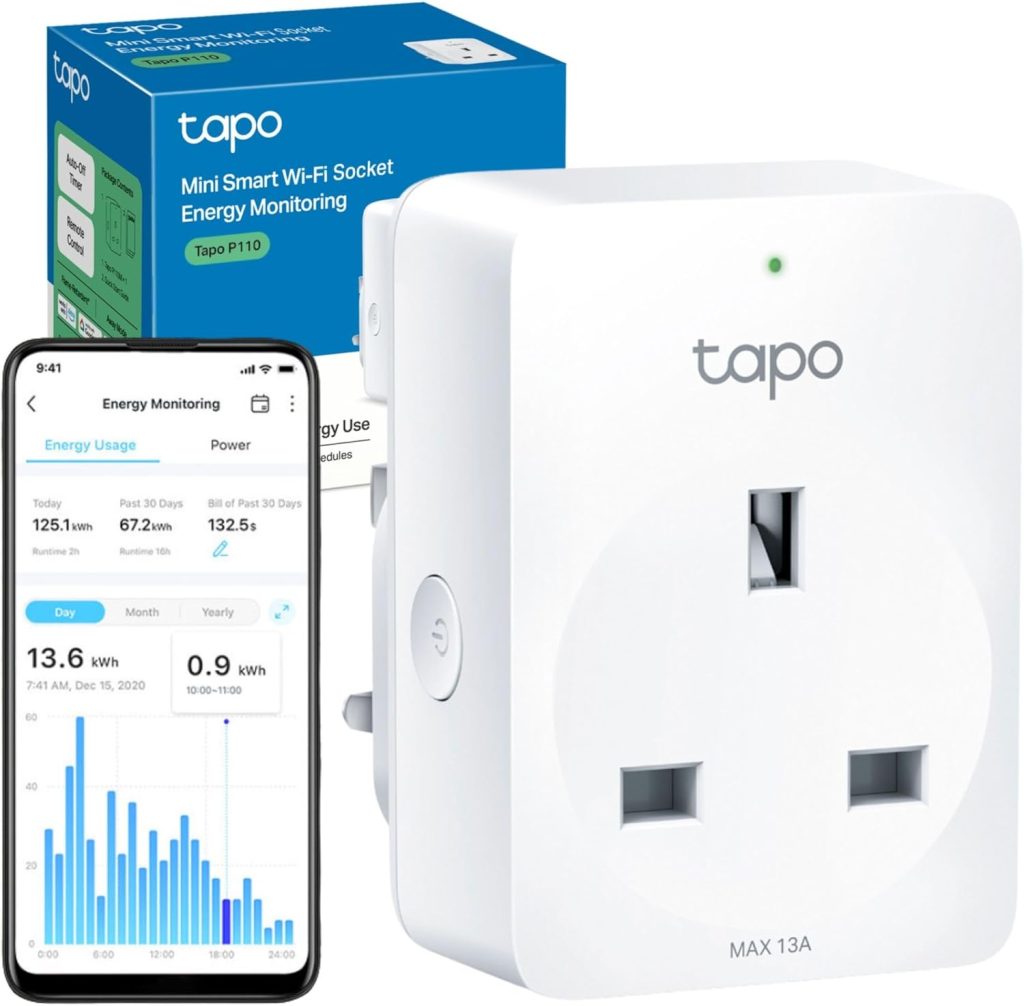
Tapo lists remote control, schedules, countdown timers, energy monitoring, voice control and away mode. It connects directly to 2.4 GHz Wi-Fi without a separate hub and is compact enough not to block the adjacent socket in a typical UK outlet.
The 13 A headline is not permission to plug in anything
The UK specification is indoor use, up to 13 A and 2990 W, with explicit restrictions around high-power motor or compressor loads and EV charging. The appliance’s own manual, plug condition, power draw and unattended-use warnings still take priority.
A smart plug should not control anything whose safe restart requires a person to inspect it. Be especially cautious with heat-producing appliances. Remote “off” is a useful control, not proof that a device was safe to leave running.
One boring automation beats a house full of fragile routines
Start with one repeated problem: a lamp that should switch on before dusk, a non-critical device that should turn off at bedtime, or energy monitoring for equipment you suspect is expensive. Name the plug after the appliance, test manual control and confirm its power-recovery behaviour.
Tapo says schedules continue locally if internet access drops, while app access and remote commands naturally depend on the surrounding setup. Shared-home control also needs agreement; unexpected device changes can be confusing or unsafe.
Choose P110 when the checking loop is specific and measurable
The purchase case is strong when one suitable device causes repeated checking, wasted energy or a predictable routine failure. Energy history can show whether the automation solved the intended problem rather than merely adding another app.
Skip it if Wi-Fi setup is the larger barrier, the target appliance cannot safely be switched remotely or a basic mechanical timer would do the same job. Keep broader support in the home routines hub when the plug addresses only one point of friction.